Blog · October 11, 2026
Pro Clubs: review every goal conceded, match by match
Find the goals conceded during a night of EA FC 27 Pro Clubs, grouped by match, and share them with your team. Two hours of VOD ready in under a minute.
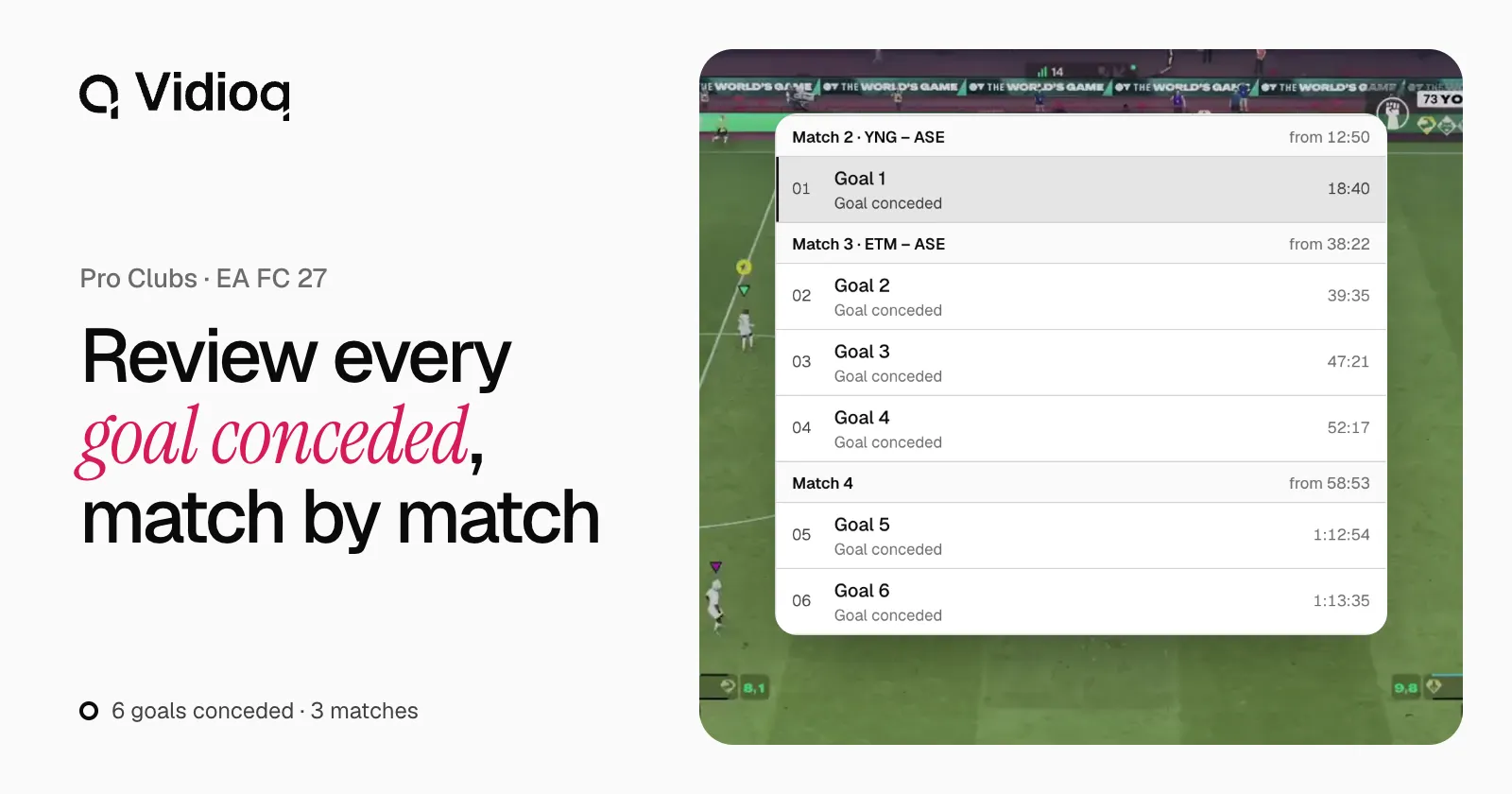
After a night of Pro Clubs, everyone knows how many goals the team let in. Fewer know how. Finding them in a VOD several hours long takes time, and the video session often never happens. Vidioq finds those goals and cuts them into clips, match by match: two hours of VOD are ready in under a minute, so the session can happen the same night.
Goals conceded, by default
When you start an analysis, Vidioq cuts the goals conceded by default. It finds every goal of the night, match by match, and recognises your team on its own, in 11v11 as in Rush or The Grounds.
To help it, enter your club abbreviation as it appears on the scoreboard: 2 to 4 letters or digits. If doubt remains, the analysis asks you: “Which club is yours?” Only the member who started the analysis can answer, within 24 hours.
A result grouped by match
Clips appear as soon as they are ready, grouped by match. For each goal conceded, the results screen shows:
- its moment in the VOD;
- the score before and after;
- the clip length.
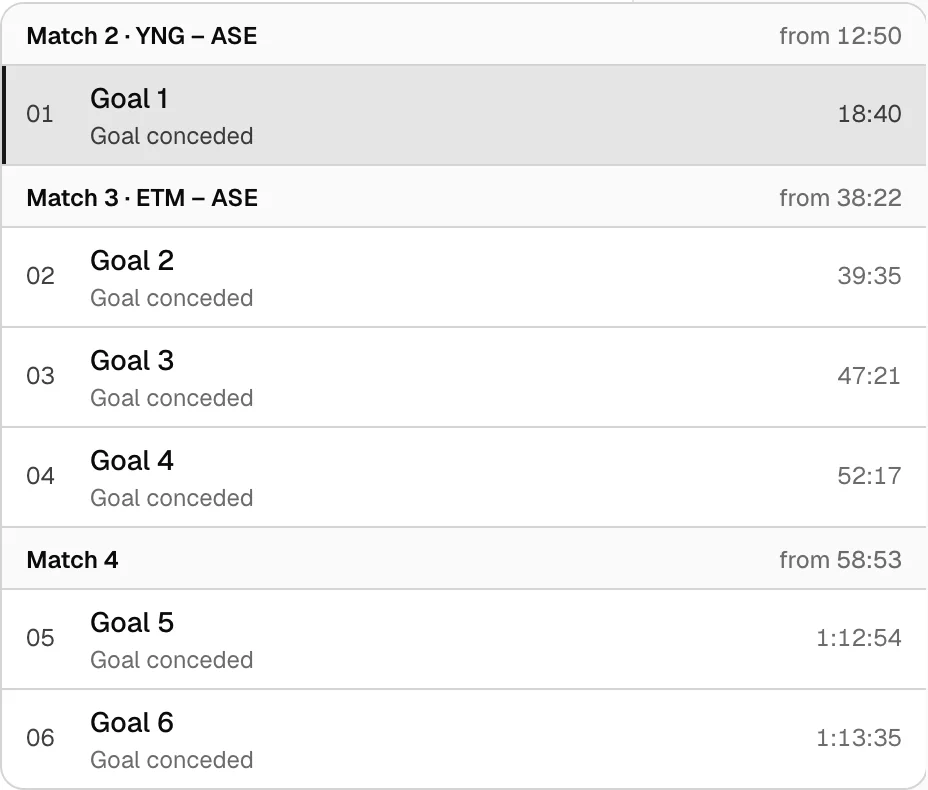
Open the VOD at this moment opens the original replay at the moment of the goal. Go back a few seconds to watch the move build: the lost ball, the positioning, the duel that was lost.
For a video session, make the clips longer instead. With Custom, set up to 120 seconds before the goal, up to three minutes per clip.
An example: six goals conceded across four matches
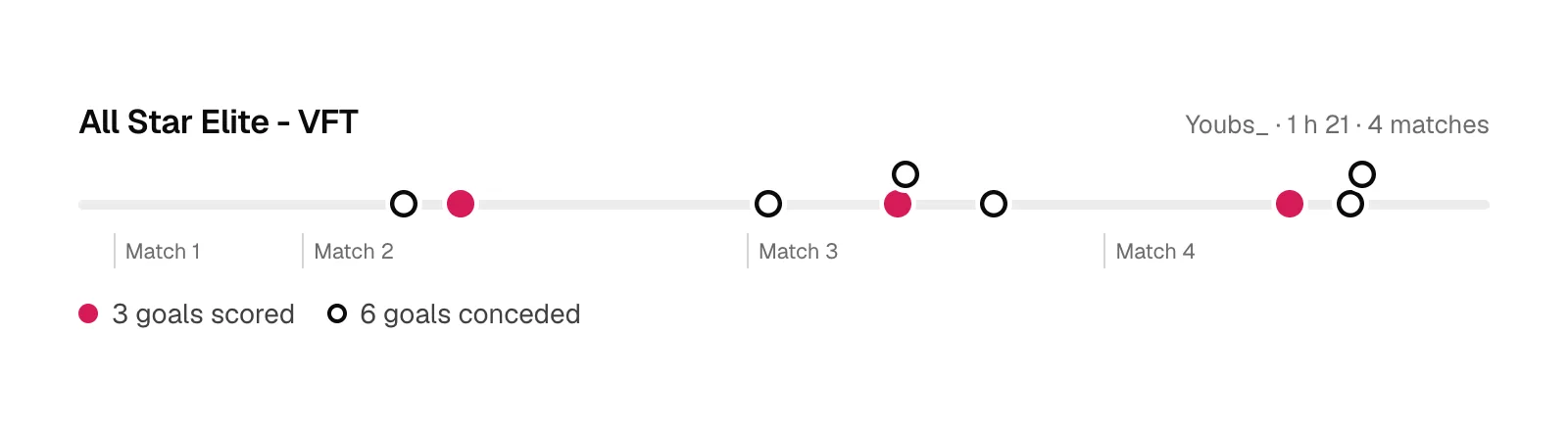
On Youbs_’s VOD “All Star Elite - VFT” (1 h 21, EA FC 27), Vidioq found six goals conceded, spread over three of the four matches. Six 11-second clips: just over a minute of video to review every goal conceded that night.
Share with your team
Analyses belong to a workspace. To share them, create one for your club:
- In the workspace switcher in the sidebar, choose Create organization.
- Name it after your club.
- Choose Invite teammates, then enter each teammate’s email address and role. Each of them gets an email with a link to join the workspace.
Three roles are available:
- Admin: invites and manages members, and starts analyses.
- Member: starts analyses and views results.
- Viewer: views analyses and downloads clips, without starting any.
The analysis quota belongs to the workspace: the whole team shares the same monthly counter.
Prepare the session
- Run the analysis the same night or the next day: if it asks for your club, the answer is expected within 24 hours.
- To review the goals scored as well, run the other side from the result, on the same video.
- Download the clips you want to keep: they are deleted seven days after the analysis.
Soon, automatic editing will assemble these clips into one video, ready for the session. See the roadmap.
The user guide covers the settings and the cases where an analysis fails, and the Pro Clubs page sums up what Vidioq does for your club. Create an account to analyze your next night.