Blog · October 11, 2026
Your EA FC 27 goals as TikTok, Shorts and Reels clips
From a Twitch VOD to a 9:16 clip ready to post, no editing: pick the video, the framing, the length and the sound. Two hours of stream, cut in a minute.
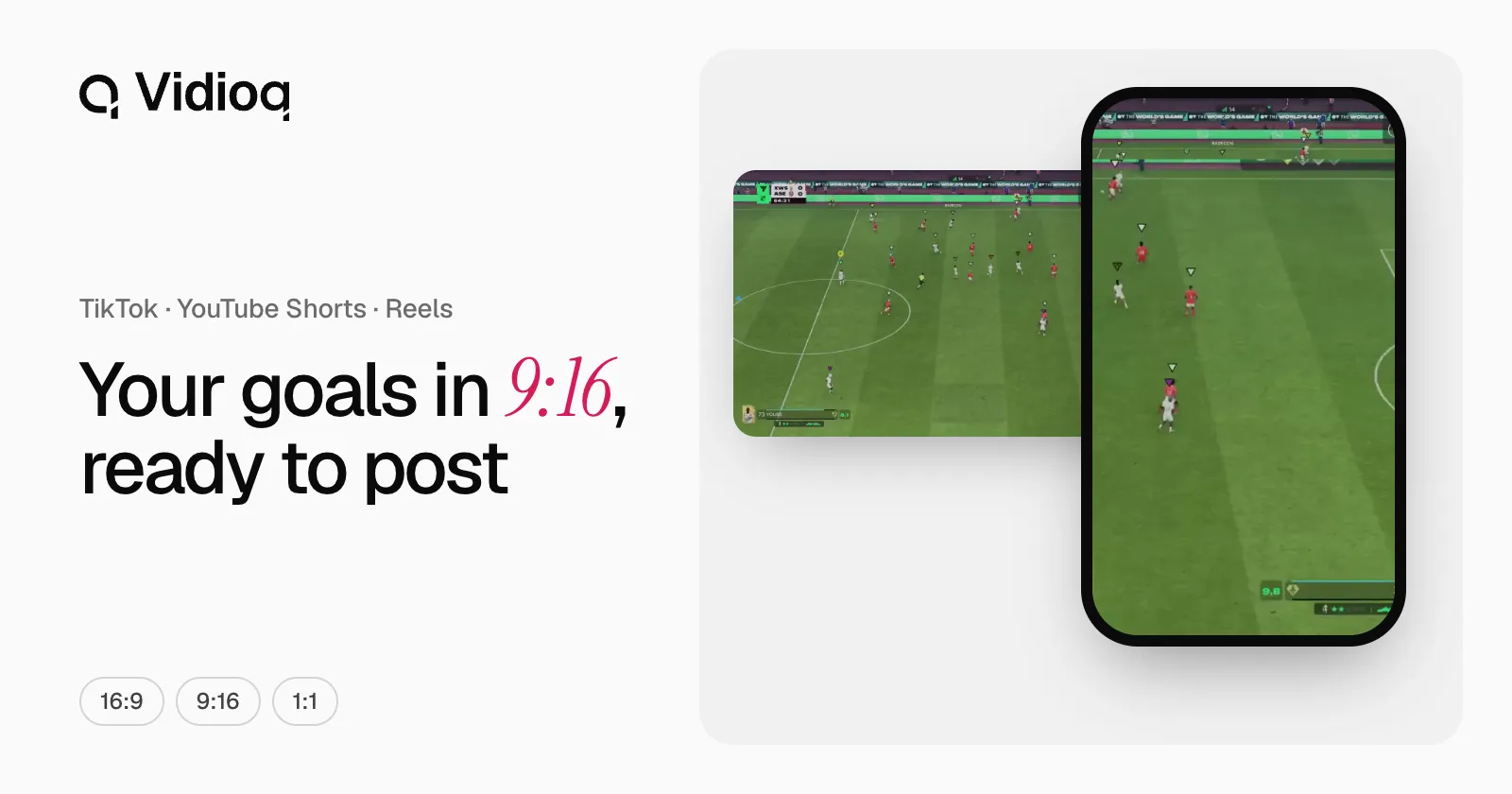
Your community wants to see that live goal again. Finding it in a three-hour VOD, cutting it and turning it vertical takes you a whole evening. Vidioq does it for you: one 9:16 clip per goal, ready to post, and two hours of Pro Clubs cut in under a minute.
Pick the video
Open Extracteur in the left menu. There are four tabs, depending on where your match is:
- Twitch: connect your Twitch account, then pick a VOD from your channel or from a channel you follow.
- YouTube: connect your channel and pick one of your videos.
- Link: paste the link to a Twitch replay or a YouTube video.
- File: upload a video from your computer, as MP4, MOV, MKV, WebM or M4V.
The video must be accessible and finished: not private, subscriber-only or still live. Before starting the analysis, you confirm that it is yours or that its author allows you to use it. Every EA FC 27 mode is supported, from Pro Clubs to Ultimate Team; Kick VODs are coming soon.
Pick the goals
By default, Vidioq cuts the goals conceded. For your highlights, choose Goals scored. An analysis cuts one side; you can run the other one afterwards from the result, on the same video.
Go vertical
Under Format, choose Portrait. Two framings are available:
- Full frame: the whole 16:9 picture on a blurred background. Nothing is cut.
- Crop to the action: the frame follows the motion and the score stays in a banner. It is a first version, still light.
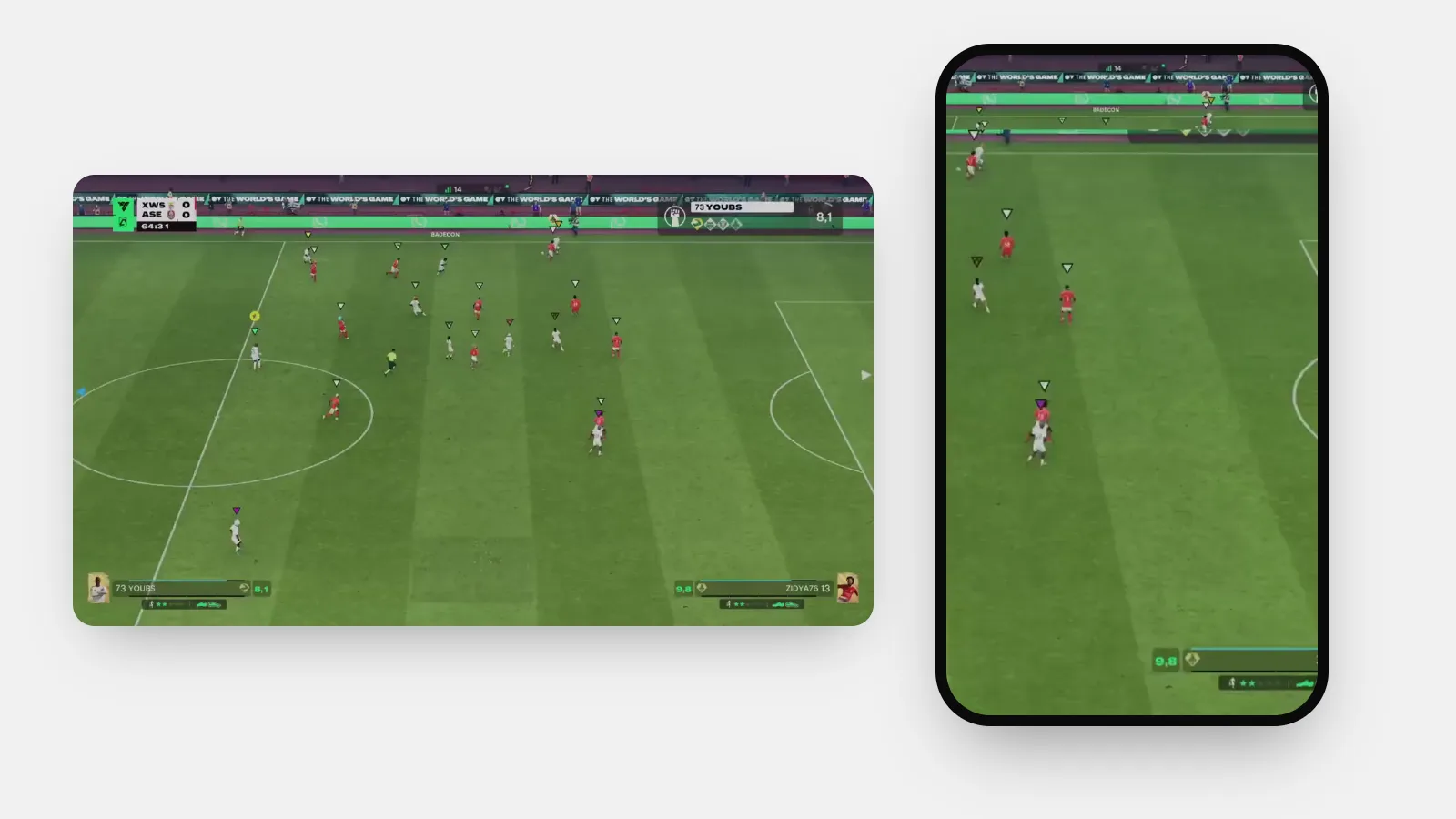
The crop fills the phone screen. The full frame keeps everything the game showed. Try both on one goal, then keep the one that suits your channel.
Set the length
Four lengths are ready: 11 s (9 before the goal, 2 after), 20 s, 25 s and 30 s. With Custom, you choose the seconds before and after the goal, 1 to 120 each, up to three minutes in total.
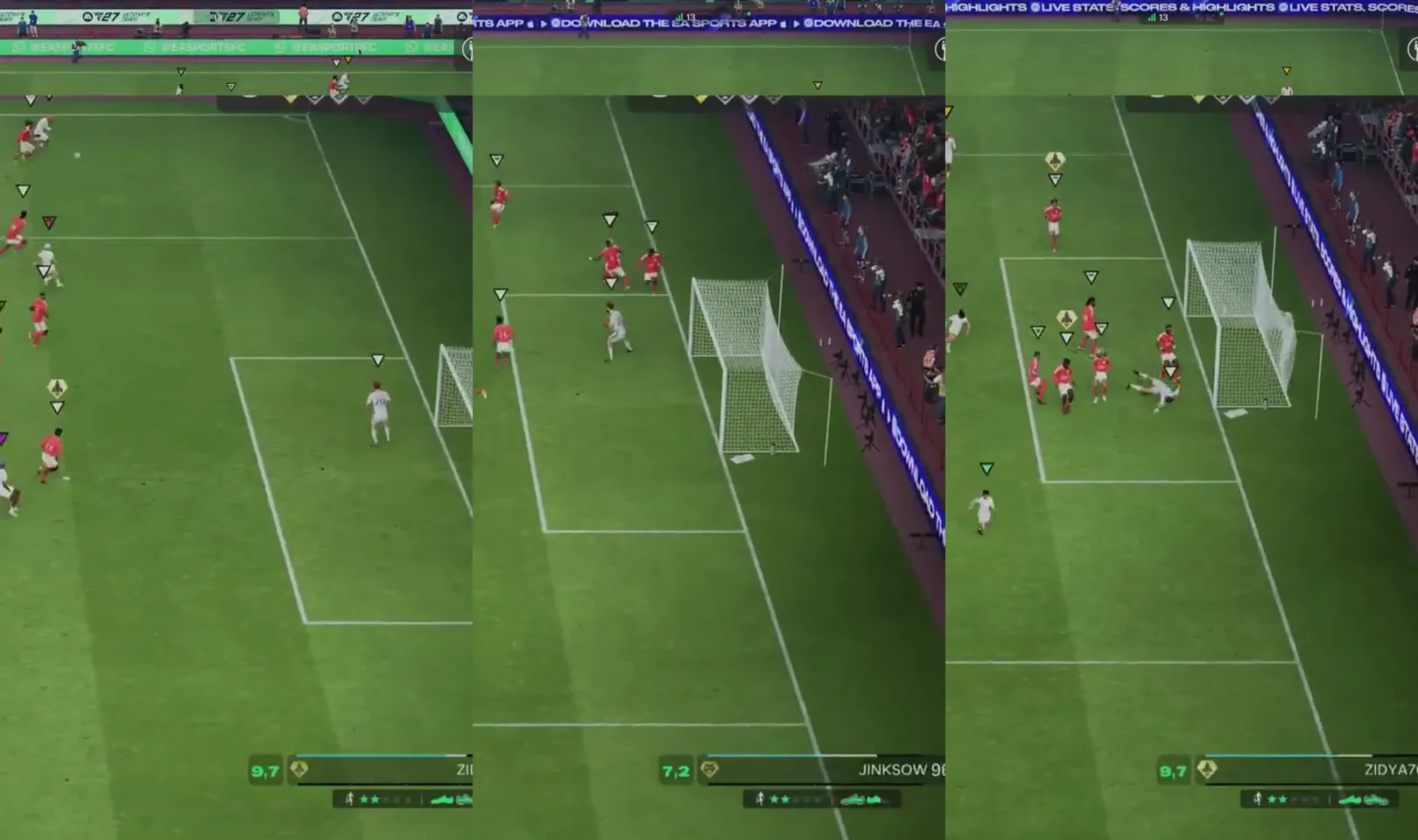
An 11-second clip shows the move and the goal. To show the build-up, add time before the goal.
Sound
Clips are muted by default. Tick Keep the sound to keep the VOD’s audio: your reactions, the game sound, your stream’s music. If that music is not yours, check that you have the right to repost it.
Download and post
Clips appear as soon as they are ready, grouped by match. For each goal: its moment in the VOD, the score before and after, and the clip length. Download saves the clip as an MP4; you then post it from the app of your choice.
Clips remain available for seven days after the analysis, then they are deleted. Download the ones you want to keep.
Coming soon: automatic editing and posting
Next step: Vidioq will assemble your best goals into one video ready to post, then post it for you on TikTok, YouTube Shorts and Instagram Reels, without going through your phone. Follow the progress on the roadmap.
Three tips for a good analysis
- Keep the game’s score visible: do not hide it under a stream overlay.
- Enter your club abbreviation in the settings: the analysis will ask you fewer questions.
- If the analysis stops on “No readable score”, try a better-quality replay: that attempt does not count.
Quota
Each workspace gets a number of analyses per month, shown on the Access page. Sign-up is free during the beta: create an account to cut your first goals.